
 Join our Discord
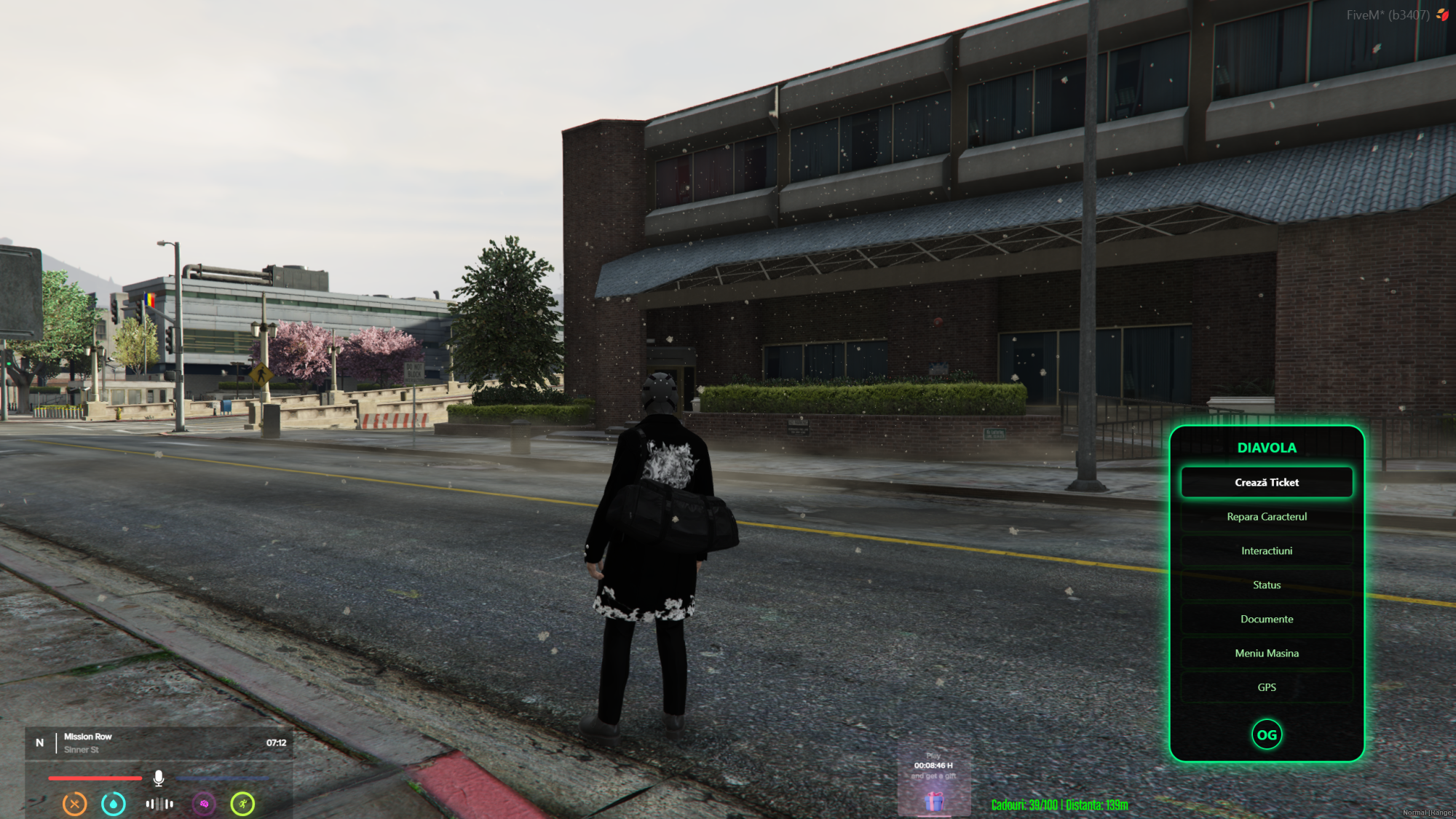
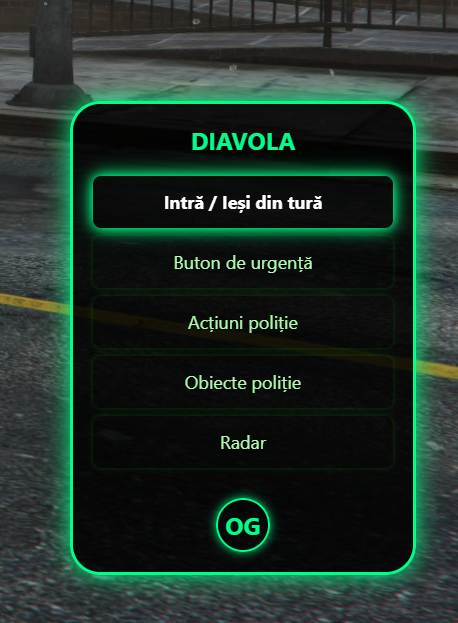
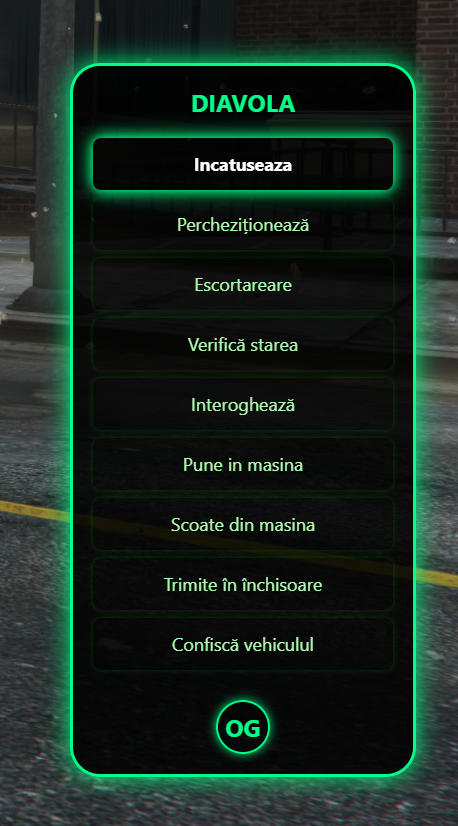
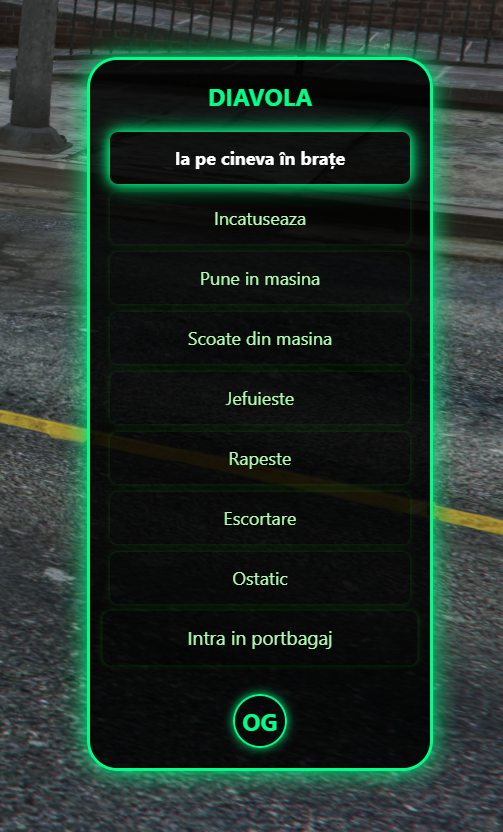
Give your players a clean, keyboard‑friendly action menu instead of messy keybind spam.
QBCore Quick Action K‑Menu replaces the classic qb-radialmenu with a vertical K‑key menu for clothing toggles, trunk control and stretcher interactions, fully configurable via config.lua.
🔥 Main Features
K‑key vertical action menu
- Open a modern vertical menu using the
Kkey (configurable). - Navigate with keyboard, with support for submenus and nested items.
Job‑aware work menu
- Automatically builds a “Work” submenu based on the player’s current job.
- Add per‑job interactions (police, EMS, mechanic, etc.) from
Config.JobInteractions.
Clothing toggles (QBCore friendly)
- Built‑in actions for: top, gloves, bag, shoes, vest, hair, hat, glasses, ear, neck, watch, bracelet, mask, pants, shirt, reset, bag off.
- Uses QBCore‑style clothing logic (no external clothing scripts required).
Trunk interactions (vanilla‑safe)
- Open/close trunk door via synced events.
- Optional “trunk busy” flag for better control; fully handled via server callbacks.
Stretcher support
- Networked stretcher interactions (busy checks, remove stretcher from area, etc.).
- Includes distance checks to avoid abuse.
Config‑driven & escrow‑ready
- All menu structure, job interactions and keybind settings are defined in
config.lua. - NUI (HTML/CSS/JS) and locales are open for full customization; core logic can be protected with Asset Escrow.
⚙️ Configuration
config.lua is fully open and controls:
-
Config.Keybind– default key used to open the menu (defaultK). -
Config.MenuItems– main menu structure (general actions, player utilities, etc.). -
Config.JobInteractions– per‑job items that appear under the “Work” menu when a player has that job. -
Config.Commands/Config.ExtraCommands– all clothing/prop toggles (title, icon, description, offsets).
Everything a server owner needs to tweak (layout, jobs, actions, keybind) is centralized in config.lua.
📦 Requirements
-
qb-core(QBCore framework, default job system).
🔧 Installation
- Place the resource in your
resourcesfolder asqb-radialmenu. - Configure
config.lua(keybind, menu items, job interactions, clothing options). - Ensure
qb-corestarts before this resource. - Add
ensure qb-radialmenuto yourserver.cfgand restart your server.
🔒 Asset Escrow
- Sold as a CFX Asset Escrow resource.
- The following files remain open:
-
config.lua -
locales/en.luaand other locale files -
html/index.html,html/css/main.css,html/js/main.js,html/js/RadialMenu.js
-
- Client and server logic are protected to prevent leaks while keeping all important configuration and UI fully editable.
🛠️ Support
- Support via Discord:
https://discord.gg/aSc68qzPHj - When opening a ticket, please include:
- Your FiveM build and QBCore version.
- Any server/client console errors.
- Your
config.luachanges (or screenshots).